sepinharta FAQ: Jawaban Langsung untuk Pertanyaan Umum Anda
Everything you need to know about your sepinharta account — from your first login to wallet deposits via DANA or OVO — is covered here. Each answer points you to the exact step or screen where you can verify it yourself, so you spend less time searching and more time in the lobby.
These are the structural elements that shape how your account and lobby function. Each one is visible the moment you log in — no hidden layers, no separate apps required. Your wallet, your game access, and your support path are all in one place from the first session.
One Account, Full Lobby
A single sepinharta account opens slots from Pragmatic Play and Spadegaming, live tables including Live Roulette Elite and Live Sic Bo Salon, and the sportsbook. No separate login, no switching profiles — one wallet covers every category.
DANA and OVO Ready
Deposits go through DANA or OVO — the two wallets already on most Indonesian phones. You add funds directly from the wallet app you already use, then the amount reflects in your account balance before you open the first game.
Mobile Navigation Built In
Each lobby section is laid out for one-thumb use on a 6-inch screen. The tab row at the bottom lets you move between slots, live tables, and the sportsbook without scrolling back to a home screen.
Transaction Record in Your Account
Every deposit and withdrawal is logged under the transaction history tab in your account dashboard. The current balance and recent activity are shown there after login — no need to contact support for routine balance checks.
Reference / 03
How This FAQ Is Structured and What It Covers
This page answers the questions we get most often from new account holders in Indonesia. The sections below cover account setup, wallet deposits via DANA and OVO, how to navigate the lobby on a phone, what game categories are available, and where to reach support when something is unclear. Each answer is written around what you can actually see and do inside your account. Where a step requires you to check a specific screen — like the deposit field or the transaction history tab — we point you there rather than giving a number we cannot verify on your behalf. The lobby carries titles from Pragmatic Play, Spadegaming, Bigtime Gaming, and Joker across slots, live casino tables, and arcade categories. The sportsbook section covers football markets including Liga 1 matches, which you can browse under the sports tab once your account is active. Availability of all categories depends on local law and is accessible where local regulations permit.
DANA Deposit
OVO Transfer
Account Dashboard
Mobile Access
Reference / 04
Platform Structure at a Glance
These figures reflect the structural configuration of the sepinharta platform — the categories, access routes, and language support that are built into every account. They are drawn from the lobby and account setup, not from projected or estimated usage data.
Game studios in the lobby: Pragmatic Play, Spadegaming, Bigtime Gaming, Joker
4
Lobby categories accessible from one account: slots, live casino, sportsbook
3
Verified wallet deposit routes: DANA and OVO
2
Account covering all categories, transaction history, and support access
1
Reference / 05
Where to Get Help with Your Account
Support is reachable through the channels below. For account-specific questions — deposit status, login issues, wallet verification — have your account details ready before you reach out. The live chat route gives the quickest path for questions about an active session or a pending transaction.
Live Chat
Open the chat icon from any page inside your account. Live chat connects you to the support team and is the fastest route for questions about a deposit via DANA or OVO that has not reflected in your balance yet.
Email Support
For account verification questions or issues that need a written record, send a message through the email contact shown in the Help section of your account. Include your registered account details so the team can locate your record quickly.
Help Section in Account
The Help section inside your account dashboard lists current contact options, deposit instructions for DANA and OVO, and the steps for wallet verification. Check there first — many common questions about account access and transaction history are answered without needing to contact the team.
Reference / 06
Why These Answers Are Reliable
The answers on this page are based on how the sepinharta platform is actually configured — the payment rails, the game categories, and the account navigation paths that are live in the lobby. Where a process depends on your account state or local eligibility, we say so clearly rather than making a blanket claim.
Account-Verified Information
Every FAQ answer on this page points to a step or screen you can verify inside your own account after login. We do not describe processes we cannot confirm are live — if something depends on your account state, the answer tells you where to check.
Indonesia-Specific Payment Context
Deposit answers are written specifically for DANA and OVO, the two wallet rails confirmed for Indonesia. We do not describe payment steps for wallets or bank routes that are not part of the configured deposit flow.
Lobby Facts, Not Estimates
Game category information reflects the actual studios — Pragmatic Play, Spadegaming, Bigtime Gaming, and Joker — whose titles are in the sepinharta lobby. RTP information is shown only where the game or provider exposes it directly on the game screen.
Availability by Local Law
Access to the lobby, sportsbook, and wallet deposit routes depends on local law and is available where local regulations permit. This FAQ does not make legal claims about eligibility — check the account registration page for the current eligibility conditions shown there.
Reference / 07
Slots, Live Tables, and Sportsbook: How They Differ
Three categories sit inside one sepinharta account, but each one works differently and suits different moments. Knowing which one fits your session helps you move through the lobby faster. What stays the same across all three: your wallet balance, your transaction history, your support access, and your account login — one session covers everything.
Slots
Titles from Pragmatic Play, Spadegaming, Bigtime Gaming, and Joker. Each game runs on its own session — open one, finish, move to the next. Majapahit Empire Megaways and Crash Skyrise Arena sit in this category. RTP is shown on the game screen where the provider makes it available.
Live Casino Tables
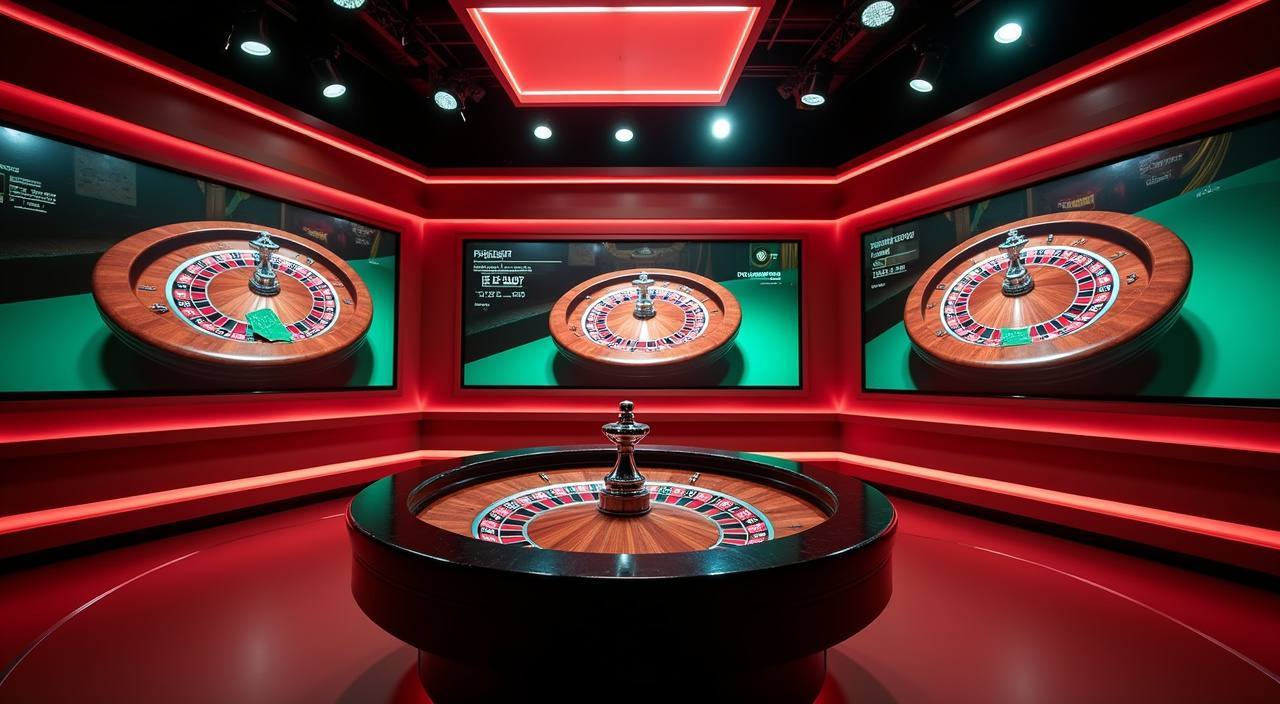
Live Roulette Elite and Live Sic Bo Salon run on a dealer-hosted feed, so timing matters — tables have schedules and seat limits. The live casino tab shows which tables are open at the moment you browse. Funds come from the same wallet balance as slots.
Sportsbook
Football markets including Liga 1 and European fixtures are under the sports tab. Liga 1 Match Bet is an example of what you find there. Markets open and close based on fixture schedules; the current available matches are listed when you open the sportsbook section.
What Stays the Same
One account login, one DANA or OVO wallet balance, one transaction history tab, and the same live chat and email support routes. You do not need a separate account or a separate deposit for any category — switch between them from the bottom navigation row.
Reference / 08
Frequently Asked Questions
These are the questions that come up most often from new account holders. If your question is not covered here, the Help section inside your account dashboard has additional contact options and deposit instructions.
How do I deposit using DANA or OVO?
Go to the Deposit section in your account dashboard after login. Select DANA or OVO from the wallet options shown there, enter the amount within the limits displayed on that screen, and follow the confirmation steps in your wallet app. The balance reflects in your account once the transaction is confirmed.
Where does my deposited amount show up?
Your balance appears in the wallet row at the top of the lobby screen immediately after a confirmed deposit. The full transaction record — including the deposit amount, method, and timestamp — is logged under the transaction history tab in your account dashboard.
Can I access the lobby from both a phone and a browser?
Yes. Your account works on mobile browsers and on desktop. Progress and balance carry over because everything is tied to your account, not to a specific device. The lobby layout adjusts to the screen — the bottom tab row is the main navigation path on mobile.
Which game categories are available in the lobby?
The lobby has three categories: slots (titles from Pragmatic Play, Spadegaming, Bigtime Gaming, and Joker), live casino tables including Live Roulette Elite and Live Sic Bo Salon, and a sportsbook covering football markets such as Liga 1. All categories are accessible from one account where local law permits.
Where can I find RTP information for a slot game?
RTP is shown only where the game or provider makes it available — usually inside the game's info or paytable screen. Not every title displays an RTP figure. If the information is not shown on the game screen, it has not been published by the provider for that title.
What should I do if my DANA deposit has not reflected in my account?
First check your transaction history tab to confirm whether the deposit appears as pending or completed. If it does not appear at all after a few minutes, open live chat from within your account and share your account details and the transaction reference from your DANA app so the support team can check the status.
 Mobile / Casino